
Open the browser menu and tap "Share".
Select "Add to Home Screen".

We'll send a code to this address to confirm it's you. We never show this on your profile.
To confirm it's you, enter the 6-digit code we emailed to you@example.com.
Use at least 8 characters, mixing letters and numbers. Pick something only you would know.
This stays private unless you choose to share it. It helps us keep the right experience for your age.
This is the name people will see on your profile.
This is how people find you on Alphahype. You can change it later in settings.
By tapping I agree, you're creating an Alphahype account and accepting our Terms of Service, Privacy Policy, and Community Guidelines.
Our Privacy Policy explains what we collect when you create a profile and how we use it to run and improve Alphahype.
Help people recognise you. You can always add or change this later.
Know the moment someone likes, comments, or follows you — turn this on now or skip and set it up later in settings.
Enter the email address registered with your account. We'll send a code to confirm it's you.
To confirm it's you, enter the 6-digit code we emailed to you@example.com.
Use at least 8 characters, mixing letters and numbers.
Your order — has been placed and is now Pending.
Loading…
—
Posted here shows up in every customer's feed and sends everyone a notification.
Every customer conversation with support, most recent first.
Control what each admin role can see and do. Front-end preview only — wire this up to a real /api/admin/roles backend once it exists.
Upload up to 6 photos. Customers can only choose one of these as their profile photo — they can no longer upload their own.
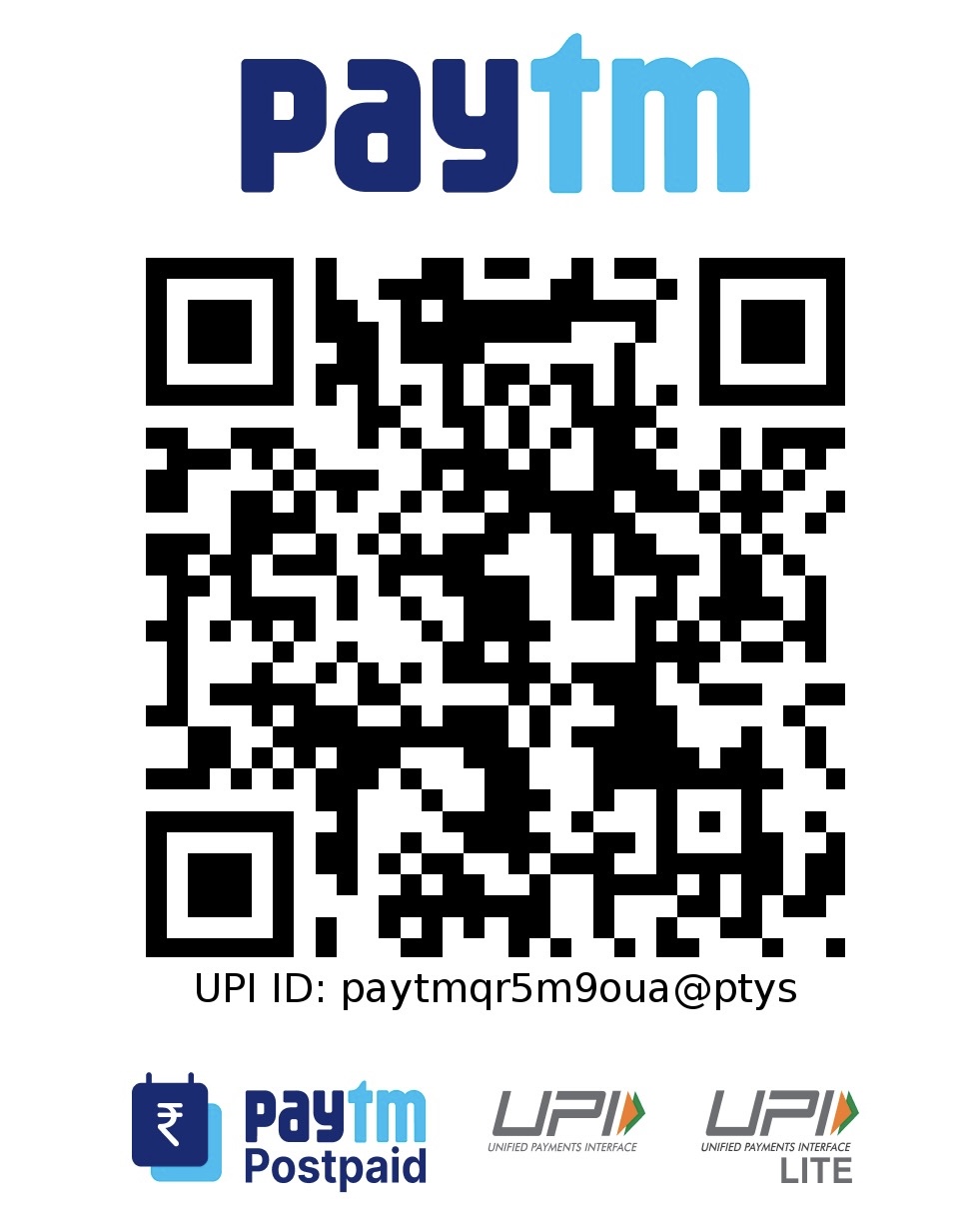
This QR code and UPI ID are shown to every customer when they add money to their wallet.
Tap the QR to upload a new one
Shows a "people active right now" bar at the top of every customer's Home feed. The number randomly drifts up and down within the range below — it isn't a real count of logged-in users.
Controls whether the Razorpay wallet top-up flow can be used at all. Keep this Disabled while Razorpay isn't set up — the backend will refuse to create a Razorpay order either way, even if someone calls the API directly.
Changing your email or mobile number needs a code sent to your current email.
Enter the 6-digit code we emailed to you@example.com.
To confirm it's you, enter the 6-digit code we emailed to you@example.com.
Use at least 8 characters, mixing letters and numbers.
Scan this QR (or pay to the UPI ID below) using GPay, PhonePe, Paytm, or any UPI app, then tell us how much you paid — we'll verify and add it to your wallet shortly.
Pick one of the photos below.
It disappears from every customer's feed too. This can't be undone.